October 29, 2026 · 6 min read · By GospelGen Team
How to repurpose a sermon into resources for the week
Turn reviewed sermon notes into a short recap, discussion questions and newsletter copy, with an original example, reusable prompt and a practical approval checklist.
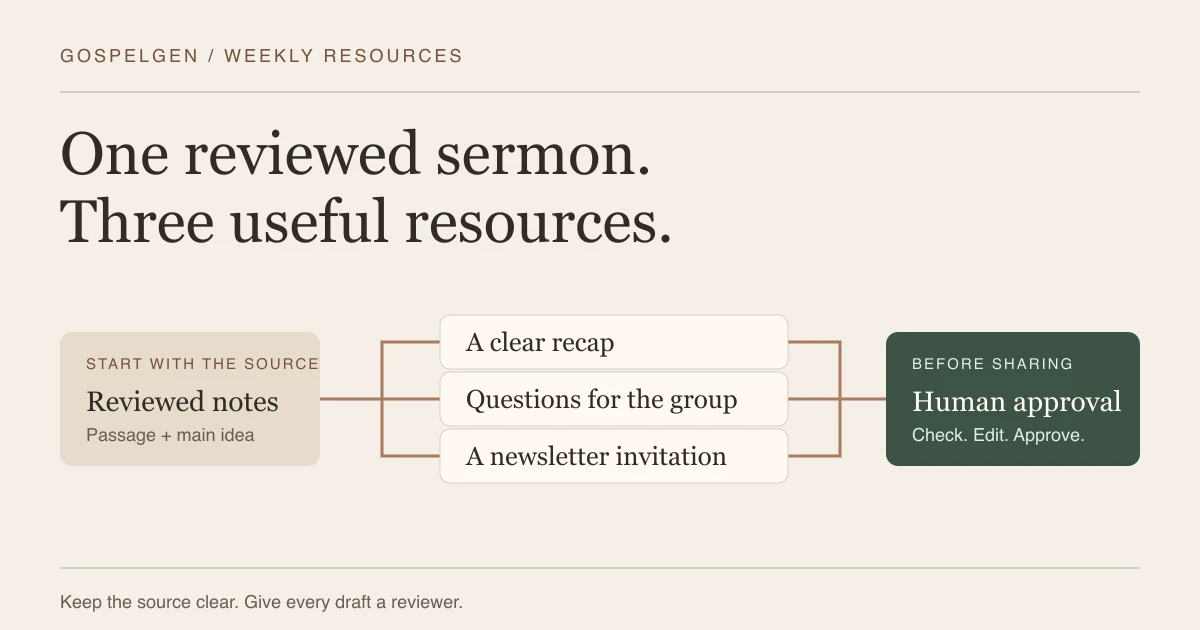
To repurpose a sermon, begin with a reviewed outline or transcript, record its main idea and choose the resources your congregation will actually use. Draft a short recap, a few discussion questions and newsletter copy from the same source. Check each piece against the passage and sermon, assign a reviewer, then share the approved versions through your normal church channels.
The aim is to help people revisit the teaching during the week. You do not need to turn every sermon into every possible format. A useful recap and a thoughtful group question can serve a small team better than a folder of unreviewed drafts.
1. Make one source brief before drafting
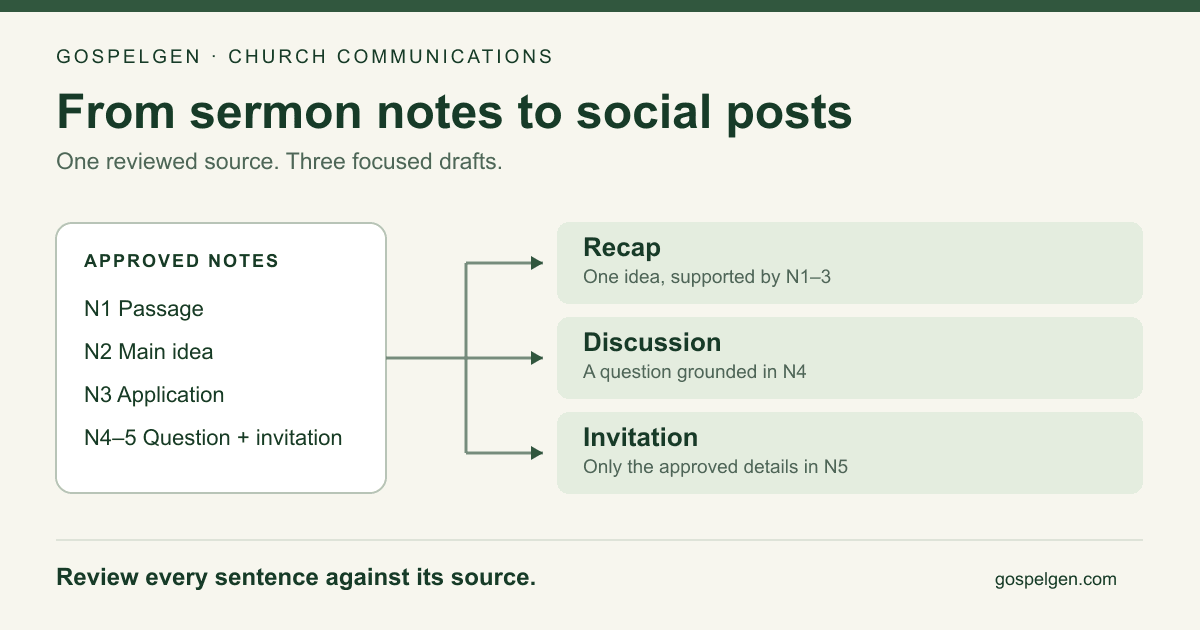
Put the passage reference, Bible edition, sermon title, main idea and three supported observations in one document. Add the intended audience and a link to the approved recording if it is public. Mark any point that still needs research. Keep the preacher’s wording separate from your own summary so a paraphrase does not become an attributed quotation.
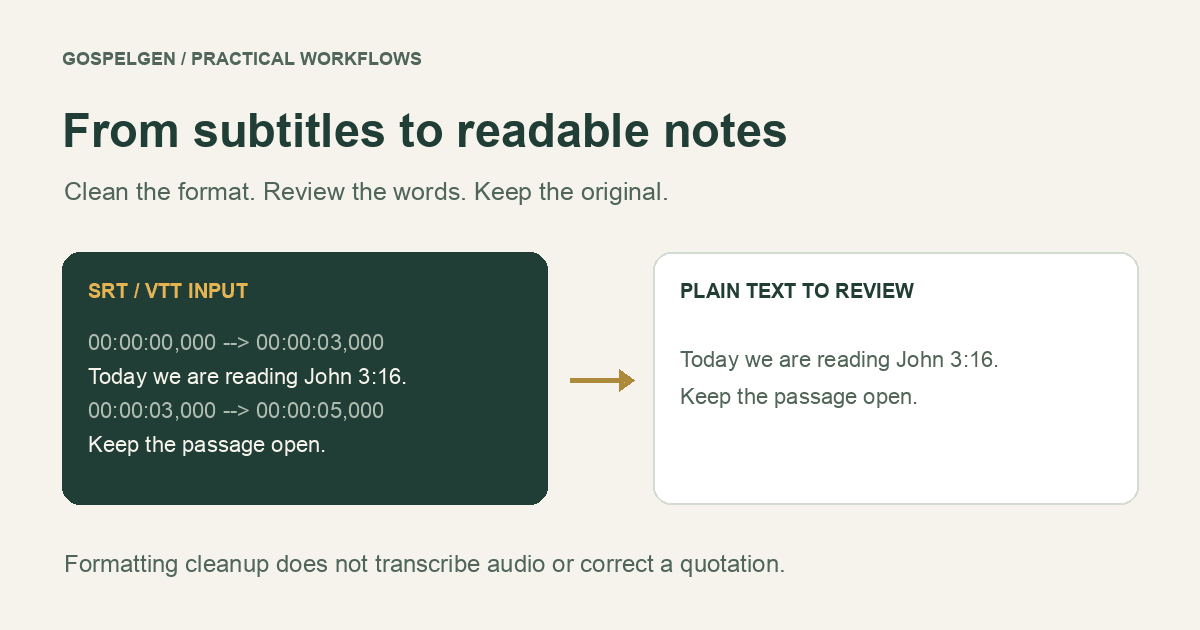
If you only have a public recording, follow the YouTube sermon transcript guide. Available captions can help you find the relevant section, but listen back to names, numbers and important statements. Existing caption retrieval is different from transcribing audio that has no captions.
Remove private prayer requests, counselling details and identifiable stories that lack permission for wider sharing. A story told in a particular setting is not automatically cleared for a public newsletter. Use your own reviewed notes when a recording or transcript is unsuitable.
2. Give each resource a different job
The recap: help someone remember
Write a short paragraph that names the passage, explains the central point and suggests one response. Aim for clarity rather than a dramatic hook. Distinguish what the passage says from an application proposed in the sermon. Include the recording link only after checking that it opens for the intended readers.
The discussion guide: open a conversation
Choose a small set of questions about observation, meaning and application. The small-group discussion guide explains a longer process. For a short follow-up, one question from each area can be enough. Ask the leader to read the passage first and adjust for the group’s time.
The newsletter: give a useful next step
Write a brief invitation to read, reflect or join a discussion. Keep dates, locations and signup details in a separate verified section. Use the weekly church newsletter template if your team needs a reusable layout. A sermon summary should not invent an event or promise an outcome the church has not agreed to.
3. A worked example from original sample notes
This is an illustrative editorial exercise, not a customer story, Bible quotation or complete interpretation. Sample source brief: the group will read James 1:19–27; the reviewed notes connect receiving instruction with everyday conduct; the intended response is to choose one concrete way to put learning into practice. A church reviewer must check whether these drafts fit the passage and the actual sermon.
Recap draft: “This week’s teaching considers how listening and action belong together. Read James 1:19–27 again and notice the movement from receiving instruction to practising it. Choose one response you can describe clearly, then revisit it during the week.” This is original sample newsletter wording, not a quotation from Scripture or a preacher.
Discussion drafts: What connections do you notice between listening and conduct in the passage? Which observation in the text supports the sermon’s main idea? What is one response you can discuss without revealing someone else’s private circumstances?
Newsletter draft: “Revisit this week’s passage, James 1:19–27, before your next group meeting. Bring one observation, one question and one practical response you would like to consider.” Add a real meeting link or date only after the responsible team member confirms it.
4. Use a prompt that preserves your source
You can draft in an ordinary editor, ask a colleague for help, or use an AI tool with material you are comfortable sharing. This prompt sets a narrow task; it does not make generated claims reliable by itself.
“Using only the reviewed notes below, draft three resources: a 90-word sermon recap, three open discussion questions and a 60-word newsletter invitation. Our audience is [audience]. The passage is [reference], and the main idea is [main idea]. Keep the recap, questions and invitation separate. Preserve uncertainty. Do not invent Scripture wording, attributed quotations, stories, events, dates or links. Label paraphrases clearly. Flag anything a human needs to check. Notes: [reviewed notes].”
5. Choose the smallest tool that fits
The free GospelGen tool collection includes caption retrieval, a local transcript cleaner, a local reference-numbering checker, an outline draft tool and a sermon-excerpt content kit. The kit offers a summary, five questions and three captions; the newsletter example above is a separate drafting exercise. None of these standalone tools requires signup.
The transcript extractor, outline generator and content kit share three online requests per daily visitor identifier, a 30-second cooldown and global capacity limits. Admitted requests count even if they fail. The cleaner and reference checker run locally without using that online allowance. Reference numbering checks do not verify quotation wording or theology.
If you need edited video clips or audio transcription, read GospelGen vs Sermon Shots before choosing a workflow. The products serve overlapping but different tasks. Test your actual source and desired output rather than assuming all sermon tools are interchangeable.
6. Assign approval before sharing
Give each draft an owner, reviewer and intended channel. The teaching reviewer checks passage context, quotation wording and whether the recap represents the sermon fairly. The communications reviewer checks names, permissions, dates, links and accessibility. On a small team the same person may do both, but make both checks explicit.
Use the free sermon repurposing checklist (TXT) to record the source, outputs and approval. Keep drafts separate from approved versions. If a quotation or detail remains uncertain, leave it out until it can be checked.
7. Review what helped your congregation
After a few weeks, ask group leaders whether they used the questions and ask the communications team which resources were worth preparing. Existing email-link reports can show clicks, but they do not establish understanding or spiritual growth. Record the review work as well as drafting time before claiming that a tool saves time.
Common questions
Can I repurpose a sermon without a recording?
Yes. A reviewed outline, passage reference and clear main idea are enough for this text workflow. Check the drafts with the person responsible for the teaching before sharing them.
Does repurposing mean making short videos?
Video is one option. A recap, group guide or newsletter invitation can be useful without any video editing. Choose formats your team can review and your congregation can access.
Should AI drafts publish automatically?
For this workflow, keep approval as a deliberate human step. A fluent summary can still misquote the preacher, misstate the passage or add a plausible event that never existed. Review the final text in the channel where readers will see it.
Ready to put these ideas into practice? Start with GospelGen — free.
Try GospelGen Free →