October 31, 2026 · 7 min read · By GospelGen Team
Turn one sermon into social posts without inventing details
Use one approved source sheet to write a recap, discussion question and invitation. Follow original examples and catch details a fluent draft can invent.
A sermon can give your church several useful social posts. The difficult part is keeping each short draft faithful to its source. A polished caption can still add an event, turn a paraphrase into a quotation, or lose the point of the message.
Use a small set of approved notes, give each post one purpose, and check every sentence before sharing it. The examples below show that process without requiring a particular AI tool or social platform.
Start with a source sheet
These are original, fictional notes created for this tutorial. They describe no real church, service or person. The example posts are manually written editorial demonstrations, not measured AI outputs or evidence of audience response.
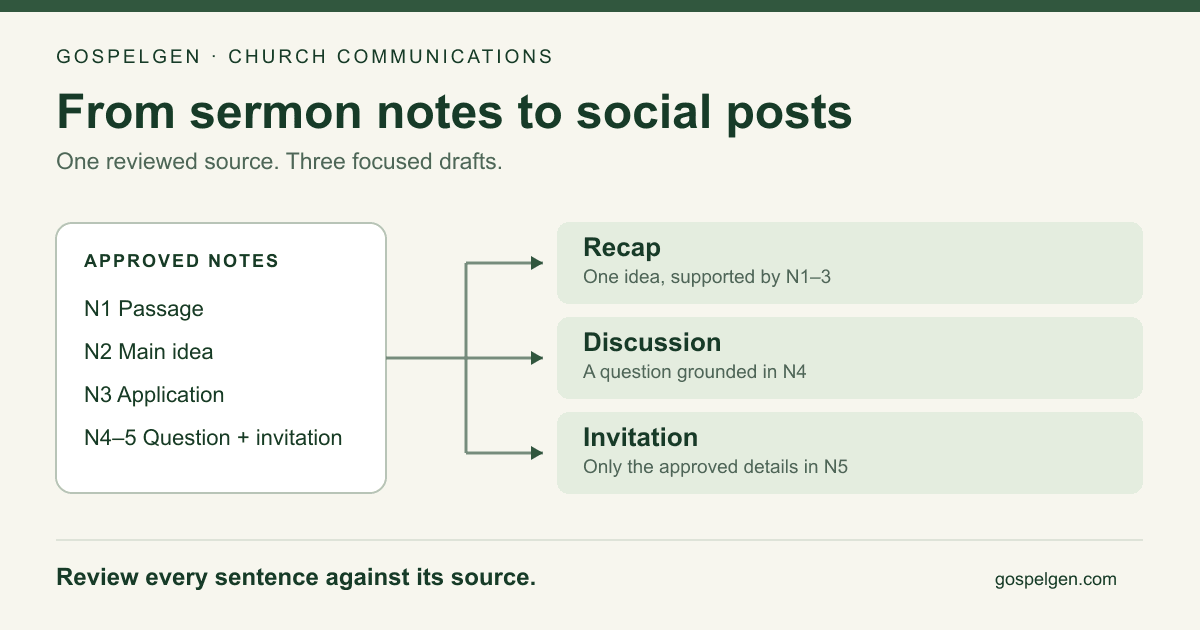
N1 — Passage discussed: Luke 10:25–37.
N2 — Main idea: loving our neighbor means noticing a need and responding with practical care.
N3 — Application: choose one practical act of care this week.
N4 — Discussion question: what makes it difficult to notice a neighbor's need?
N5 — Invitation: visitors are welcome at our regular Sunday worship. No date, time, venue, service-page URL or special event details have been supplied.
Keep the passage reference separate from your summary. N2 is the sample message's main idea, not a direct Bible quotation. If you add the wording of a verse, open the intended Bible translation and check both the quotation and its permitted use.
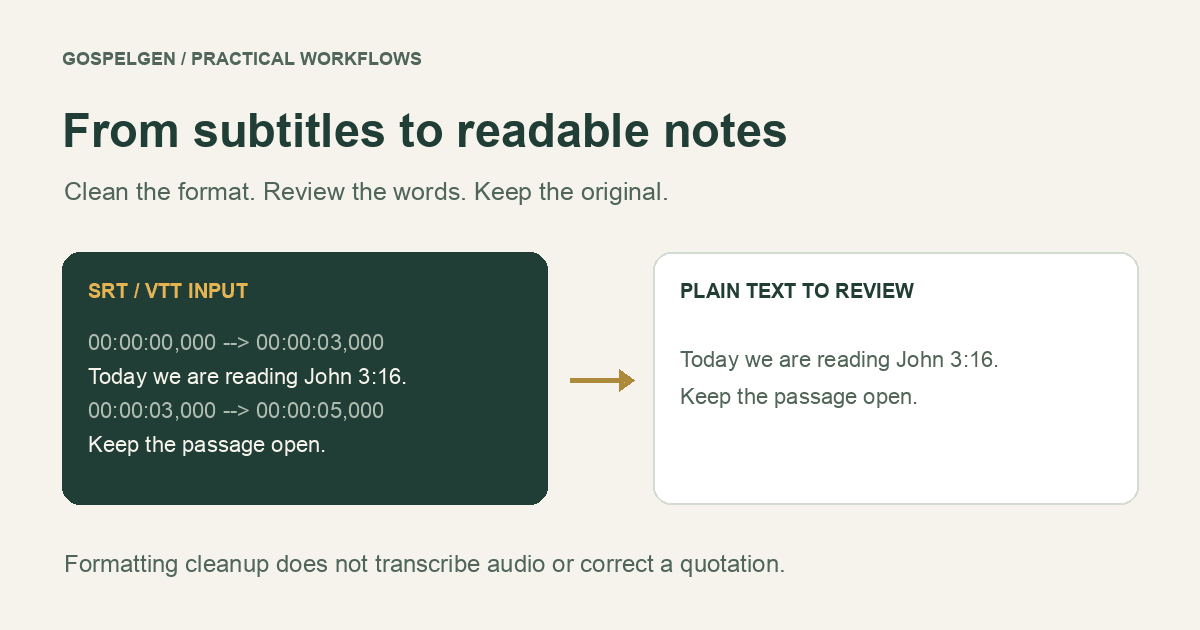
For a real sermon, get the speaker's approval for the main idea and application. Remove confidential pastoral details and stories you do not have permission to share. If you start with captions, follow the transcript cleanup guide before preparing this source sheet.
Post 1: a short recap
The recap should communicate one idea to someone who did not hear the message. It does not need to recreate the sermon or make a claim about what every listener experienced.
Our reflection on Luke 10:25–37 asks us to notice a neighbor's need and respond with practical care. Choose one practical act of care this week.
Sentence one uses N1 for the passage and N2 for the message's main idea. Sentence two uses N3. Neither sentence quotes Scripture or reports a congregational result.
For your own draft, compare the recap with the speaker's approved summary. A shorter sentence is useful only if it keeps the meaning intact.
Post 2: a discussion question
Give people a question they can understand without reading a whole thread. Avoid asking them to disclose someone else's private circumstances in a public reply.
What makes it difficult to notice a neighbor's need? As you reflect on Luke 10:25–37, consider one practical act of care for this week.
Sentence one comes directly from N4. Sentence two combines N1 and N3. It invites reflection; it does not imply that an answer or testimony has already been received.
A church moderator can add a general reminder to keep replies respectful and avoid identifying other people. Treat that as a publishing instruction, separate from the sermon summary.
Post 3: an invitation
An invitation needs approved logistics. When those facts are missing, keep the draft general and resolve the missing details before scheduling it.
You are welcome at our regular Sunday worship.
This single sentence uses N5. It includes no invented service time, location or registration link. For an actual post, confirm the next service's date, time, venue and accessibility information with the responsible team. Add the correct public service-page link only after checking it.
Do not use the fictional notes as a real invitation. Replace them with your own approved information.
Catch the details a fluent draft can invent
Here is a deliberately flawed draft. Do not publish it:
UNSUPPORTED DRAFT — DO NOT PUBLISH
Join our free community meal this Friday at 6 p.m. Bring the family!
The source sheet says nothing about a meal, price, Friday event, start time or family program. A friendly tone cannot supply those missing facts. The corrected version is the one-sentence Sunday worship invitation above, supported by N5. If you want to promote a meal, obtain an approved event brief first.
Apply the same test to quotations. A sentence that sounds like the pastor is not a verified quotation. Use an approved transcript excerpt and confirm the wording, or clearly write a summary without quotation marks.
A prompt you can copy
Using only the approved notes below, draft:
1. A two-sentence sermon recap.
2. One discussion question and a short reflection invitation.
3. A church invitation using only supplied service details.

Do not invent dates, times, locations, events, links, quotations, speaker names or audience reactions. Do not present a sermon summary as a Bible quotation. Mark missing logistics as questions for the editor, outside the publishable copy. After each draft, list the source-note IDs supporting every sentence. If a sentence has no support, remove it.

Audience: [describe your readers]
Tone: [describe your church's voice]
Approved notes: [paste your source sheet]
Source-note IDs make the review easier to follow. They do not prove that the notes themselves are correct or that a generated interpretation is sound. The editor still checks the original material.
Review the words, image and destination
- Read the passage in the Bible edition your church intends to use. Our Bible-reference checking guide explains the difference between valid numbering and a verified quotation or interpretation.
- Confirm the main idea and application with the speaker's approved notes. Remove unsupported promises and claims about what listeners felt or did.
- Check event information against the current service or event page. Open the final destination link before scheduling.
- Use an image your church owns or has permission to publish. Check permission for identifiable people and add descriptive alt text. A sermon photograph is not evidence that everyone pictured endorses a caption.
- Keep one purpose per post. Preview line breaks, link cards, captions and image cropping on the platform you will use.
- Assign a reviewer and record the approved version. Schedule through your team's chosen publishing service after sign-off.
Where GospelGen fits
You can use this process manually. GospelGen's public sermon-to-content tool can also draft a content kit from supplied material. Its online requests share the public tools' daily allowance, cooldown and capacity limits; review the limits shown on the tool before generating. The wider account application is freemium.
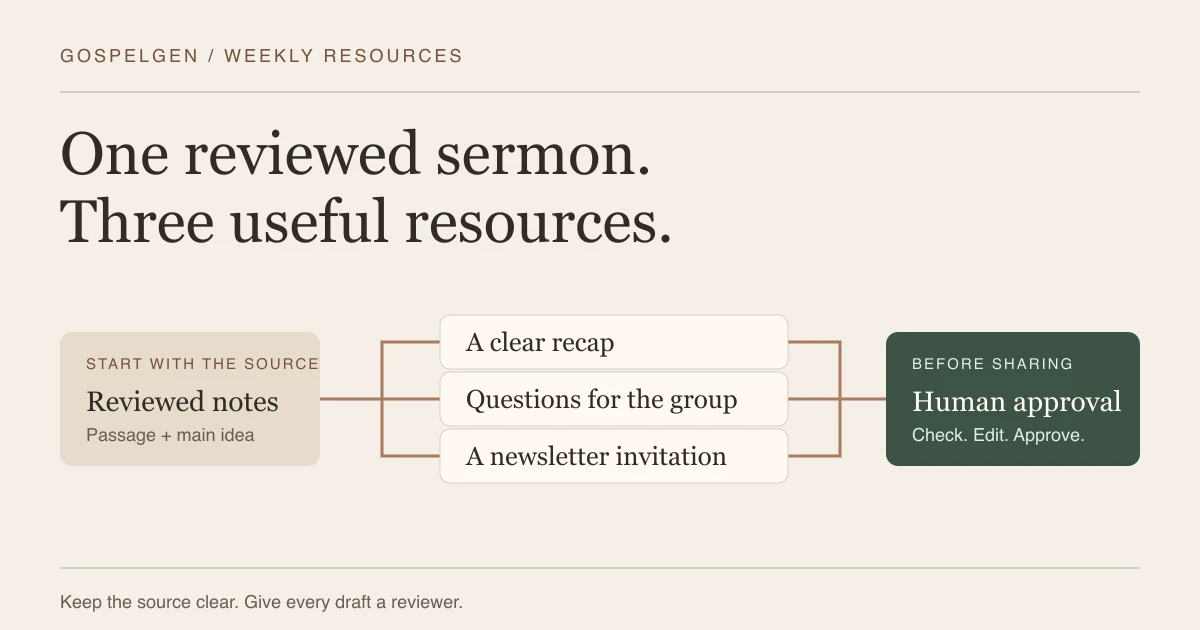
Whichever drafting tool you choose, keep the source sheet and human approval step. Use the sermon repurposing workflow to connect the same reviewed material to a newsletter or small-group guide. If you are evaluating writing software, the ChatGPT comparison and SermonAI comparison describe different workflows to test.
Ready to put these ideas into practice? Start with GospelGen — free.
Try GospelGen Free →