October 30, 2026 · 6 min read · By GospelGen Team
How to check Bible references in sermon notes
Check Bible references in sermon notes, understand numbering warnings and verify quotations before sharing. Includes an example and a copyable review checklist.
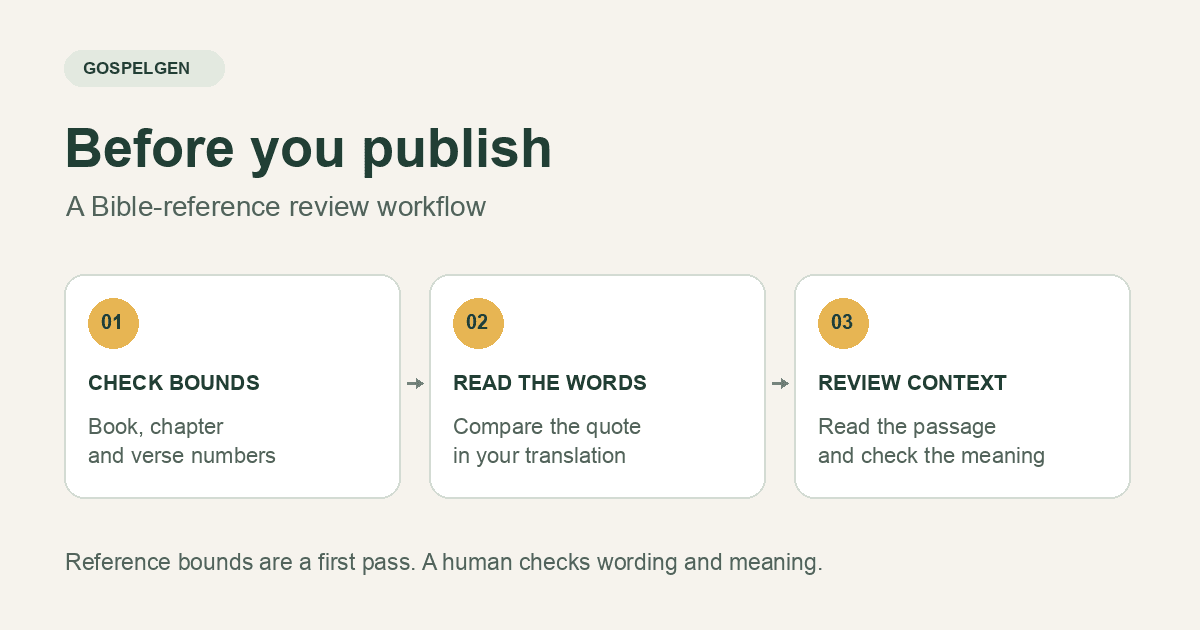
A Bible reference check answers a narrow question: does the cited book, chapter and verse fit the numbering the checker recognizes? It cannot tell you whether a quotation is word-for-word correct or whether your application follows the passage. Before sharing sermon notes, check the reference, read the quotation in your chosen translation and review its context.
Start with the material people will actually read
Use the final version of your outline, newsletter, slides or small-group guide. References can change while you edit. A reference that was correct in the manuscript can become a typo when someone copies it into a caption.
Keep the original beside the version you plan to publish. Record the Bible translation you intend to quote. If several people edit the material, make one person responsible for the final reference and quotation review.
You can use GospelGen’s free Bible Reference Checker for a first pass. It runs locally in the browser and checks recognized citations against a standard 66-book numbering table. The checker does not send your text to an AI service. It does not replace opening a Bible.
Try a short, illustrative example
The following is an invented set of editing notes, not a sermon or a quotation from Scripture:
- Opening reference: John 3:16.
- Slide reference to double-check: John 22:1.
- Newsletter reference to double-check: John 3:99.
- Reference requiring manual review: John 3:37.
- Reading for the week: Psalm 23.
Paste these lines into the checker and run the check. John 3:16 is within the recognized numbering. John 22:1 points beyond the recognized chapters in John. John 3:99 is far beyond the standard verse count for that chapter. John 3:37 calls for review because it is just beyond the standard count. Psalm 23 names a chapter without selecting a verse.
Do not automatically replace a flagged reference with the nearest number. Return to the writer’s original notes and find the passage they meant. A plausible-looking correction can point to a completely different statement.
Understand what each result means
Within range
The recognized numbers fit the checker’s table. This does not prove that the citation supports the sentence beside it. A real reference can still be attached to the wrong quotation or used out of context.
Chapter or verse issue
Open the passage in the translation your church uses. Check whether a number was mistyped, copied from a page number or pulled from a footnote. Compare the intended source before changing the published copy.
Needs review
Bible editions can divide or number some passages differently. The checker distinguishes a reference slightly beyond its standard verse count from a much more obvious out-of-range number. A review result is a prompt to investigate, not a declaration that every Bible edition is wrong.
Chapter only or no references found
A chapter-only reference can be intentional. Decide whether the reader needs a specific verse or the entire chapter. If the checker finds no references, read the text yourself: unusual abbreviations or malformed citations may not be recognized. No results is not a certificate that the document has no problems.
Check quotation wording separately
Open every quoted passage in the named translation and compare the words. Check punctuation, omissions, verse ranges and whether a paraphrase has accidentally been presented as an exact quotation. Keep the translation label with the quotation.
If a draft came from AI, do not assume a familiar-sounding line is a verbatim Bible verse. Find the passage yourself. If you cannot establish the source, remove the quotation marks, clearly label a genuine paraphrase where appropriate, or leave the line out until it is resolved.
Read the surrounding passage as well. A reference can exist and a quotation can be exact while the surrounding explanation still misrepresents the author’s point. This step needs a responsible human reviewer and the resources your church trusts.
A checklist to copy into your publishing process
- Confirm the intended passage and translation with the writer.
- Check recognized references for book, chapter and verse problems.
- Investigate every flagged result; document any numbering difference.
- Compare each direct quotation against the named Bible translation.
- Distinguish quotation, paraphrase and your own explanation.
- Read the surrounding passage and review the application.
- Confirm permission and attribution for other quoted material.
- Repeat the check on the final slides, newsletter or guide after editing.
- Record the reviewer and approval date before sharing.
Make this part of the weekly workflow
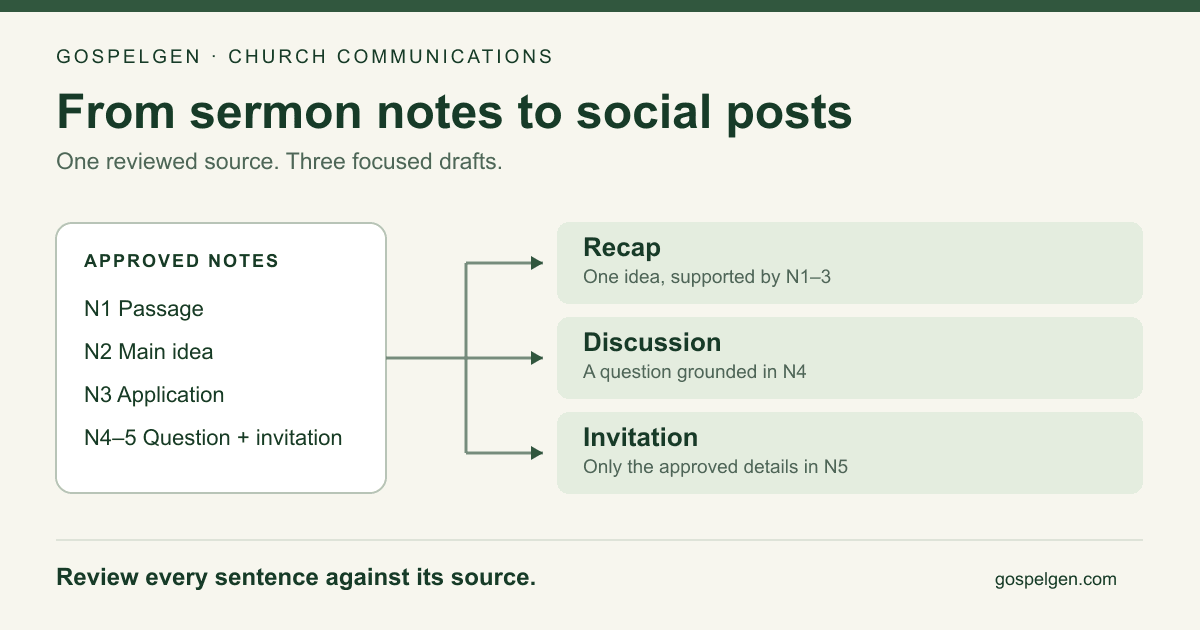
A useful place for this check is after drafting and before formatting the final resource. If you are turning a sermon into several pieces, check the resulting recap, questions and invitation individually. Cutting a paragraph can also remove the context that made a statement clear.
The sermon repurposing workflow shows how to prepare those resources from reviewed notes. Start with the free reference checker, then finish with a human review of wording and meaning. The tool is available without signup; you do not need a GospelGen subscription for this step.
Common questions
Can this verify that an AI sermon is biblically accurate?
No. It checks recognized reference bounds. It does not certify interpretation, doctrine, historical claims or quotation wording.
Does it cover every Bible canon and numbering system?
No. Its table uses a standard 66-book numbering system. Check other canons and edition-specific numbering in the Bible you use.
Can I use it for a newsletter or study guide?
Yes. Paste the text you are reviewing, inspect the results and complete the same quotation-and-context review before publication.
If you are choosing a drafting workflow, compare GospelGen and ChatGPT or GospelGen and SermonSpark. The reference-review checklist applies whichever writing tool you use.
Ready to put these ideas into practice? Start with GospelGen — free.
Try GospelGen Free →